
Do the Never Done
Submit Your
Receipt
Using Your Smartphone
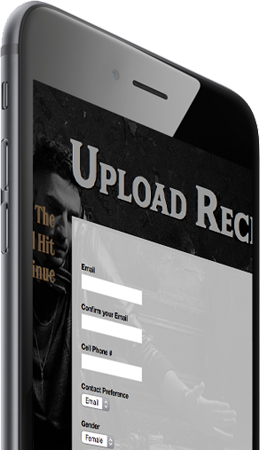
- Click on box number 2 on the Home page or the Upload Receipt link in the navigation bar at the bottom of this page.
- Choose your receipt image to upload.
- Enter your email and cell phone number.
- Click Upload.
1